Provides Years of Dependable Entertainment
Wireless Connection to Phones, Hi-Fi Audio
Multi-Function Connection, Strong Compatibility
Multi-Functional Interface, Meeting More Daily Needs
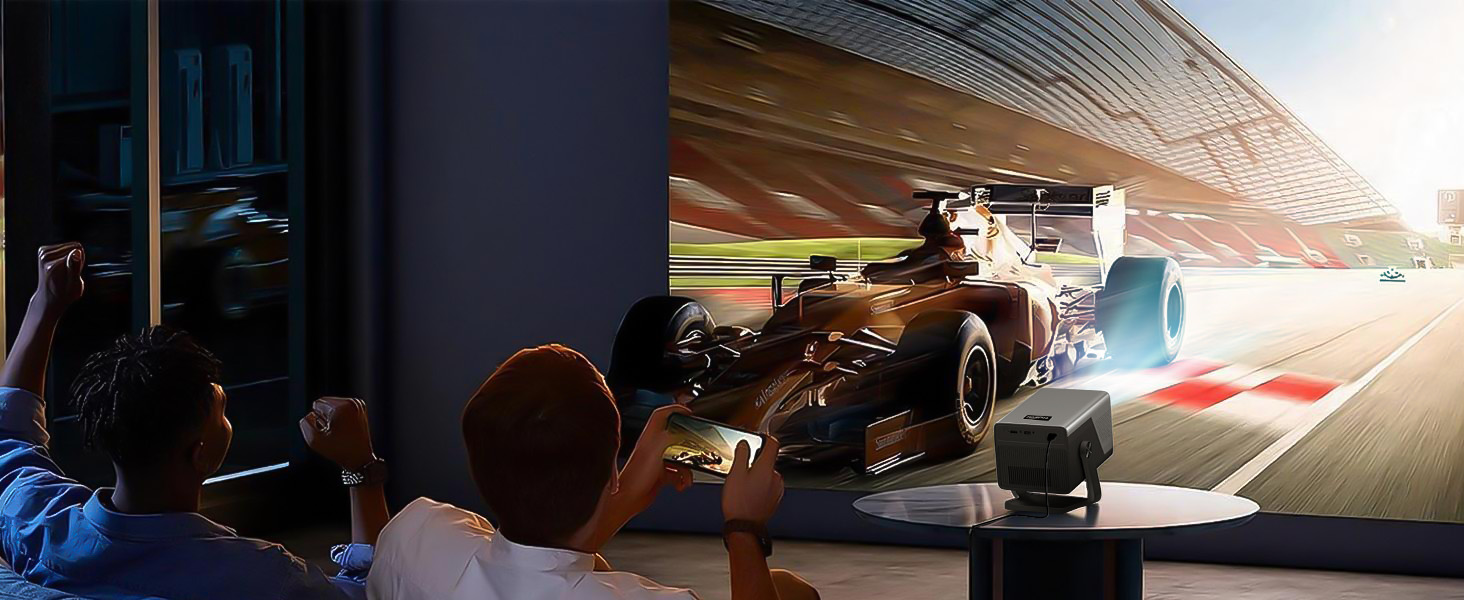
Does the X7 support screen mirroring? Can I connect it to my smartphone?
Absolutely. Just connect your phone and the projector to the same Wi-Fi.
• iOS: Open Control Center → Tap Screen Mirroring → Choose the projector name
• Android: Open Quick Settings → Tap Cast/Smart View/Wireless Display → Choose the projector name.
Can I control the X7 with my smartphone? Does the remote support Air Mouse and voice control?
Absolutely! You can use the Lumina Go APP for smartphone control.
The original remote is equipped with Air Mouse and voice control for easy operation.
Does the X7 work with Bluetooth speakers? I need loud audio for watching the World Cup in my yard and hosting parties.
Definitely. Connect your Bluetooth speaker wirelessly right away, or use the 3.5mm AUX port with an audio adapter cable for wired use.
Boasting Dolby Atmos and Hi-Res Audio, its built-in Hi-Fi stereo speakers deliver powerful, rich sound.
Does the X7 have a sleep timer?
Yes. Just navigate to Settings > Other > Scheduled Power Off, to set it anywhere from 5 minutes up to 3 hours.
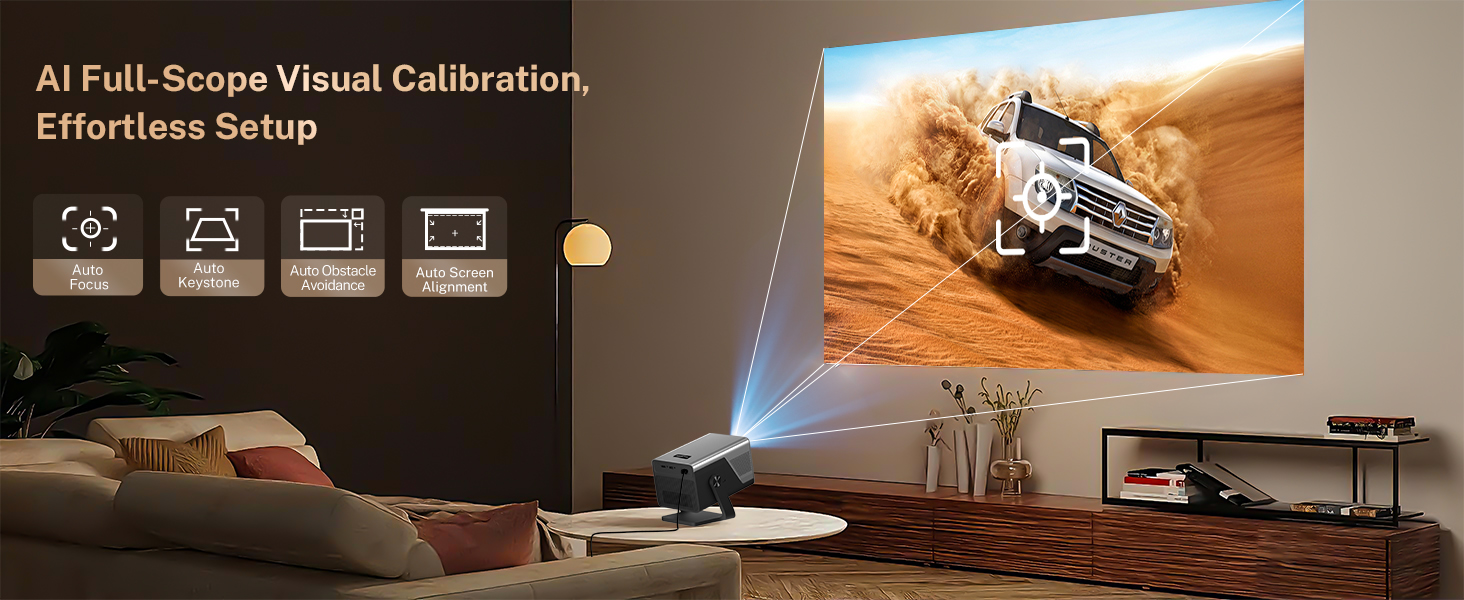
My projection looks lopsided instead of a rectangle. How can I fix it?
You can simply shift the projector left or right to get a perfect rectangular image quickly.
Better yet, this X7 comes with a full set of smart adjustment features: Auto Focus, Auto Keystone Correction, as well as Auto Calibration & Screen Fit.








Product description
Lumina Go App


